
01
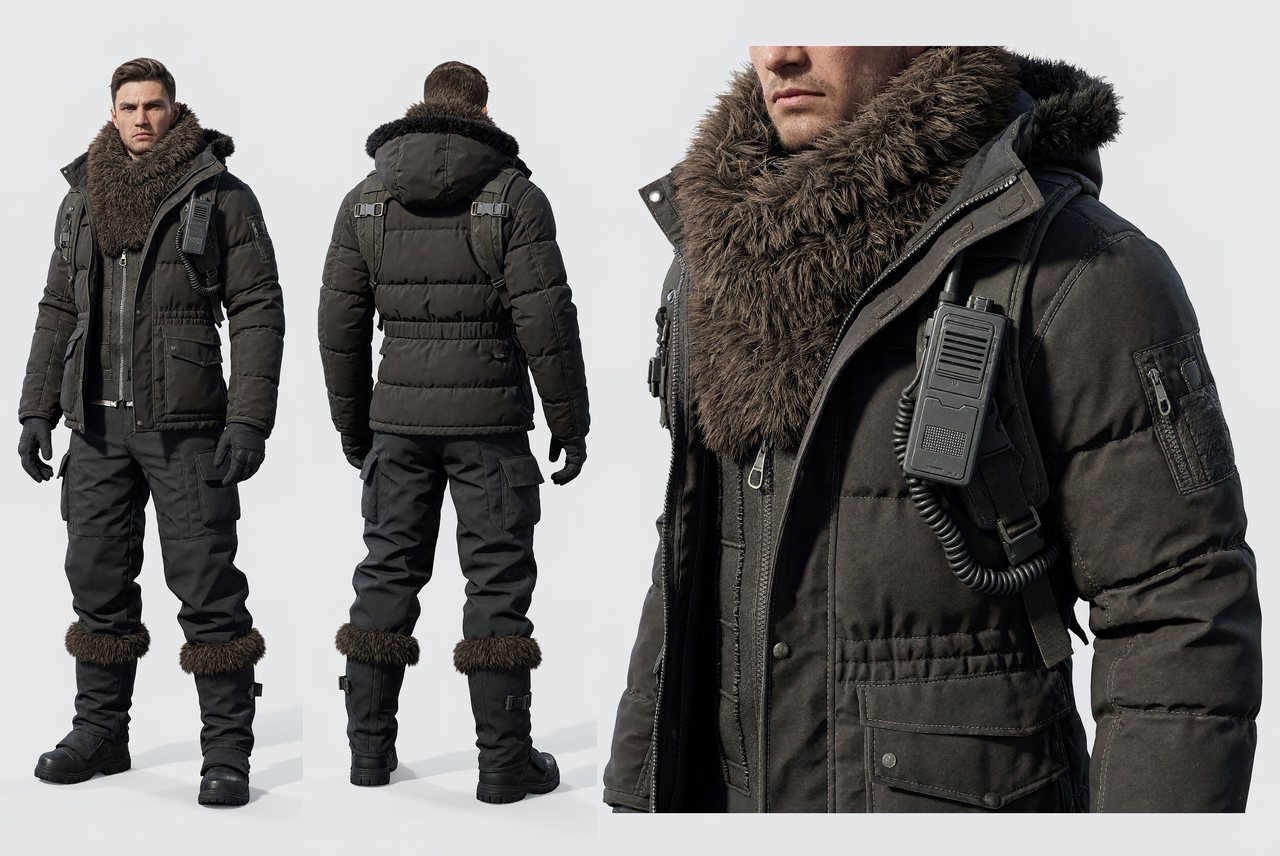
Blend Up to 16 References
Give each image a role: subject, palette, or layout. H3-Image combines them into one result.
H3 Imagine
Generate and edit 4K images with MiniMax H3-Image right in your browser. Up to 16 references, 10 images per run - no download, no ComfyUI.
Aspect ratio
Resolution
Images
Start free - no credit card required.
Your image will appear here
Sign in and use your available credits to generate.
Examples
Twelve starting directions for concept art, product work, posters, portraits, and focused edits. Select any prompt to copy it.
H3-Image is MiniMax's model for generating and editing still images. Give it a written brief, or up to 16 reference images for subject, style, and layout. It reads long, detailed instructions - up to 32,000 characters - and outputs 1K, 2K, or 4K images. H3 Imagine runs it in your browser, with no install required.
Four practical capabilities for briefs that need more than a single prompt.
01
Give each image a role: subject, palette, or layout. H3-Image combines them into one result.
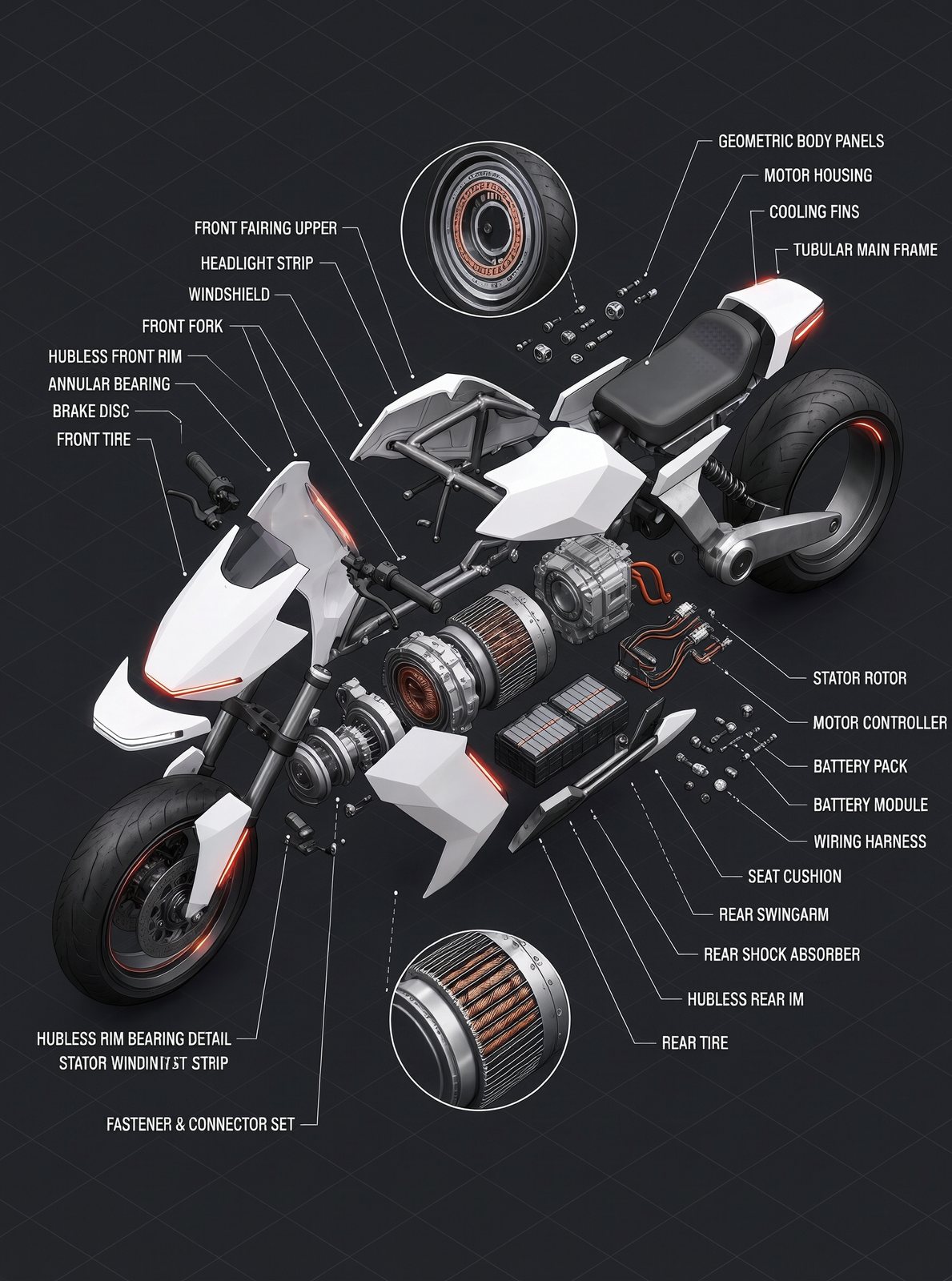
02
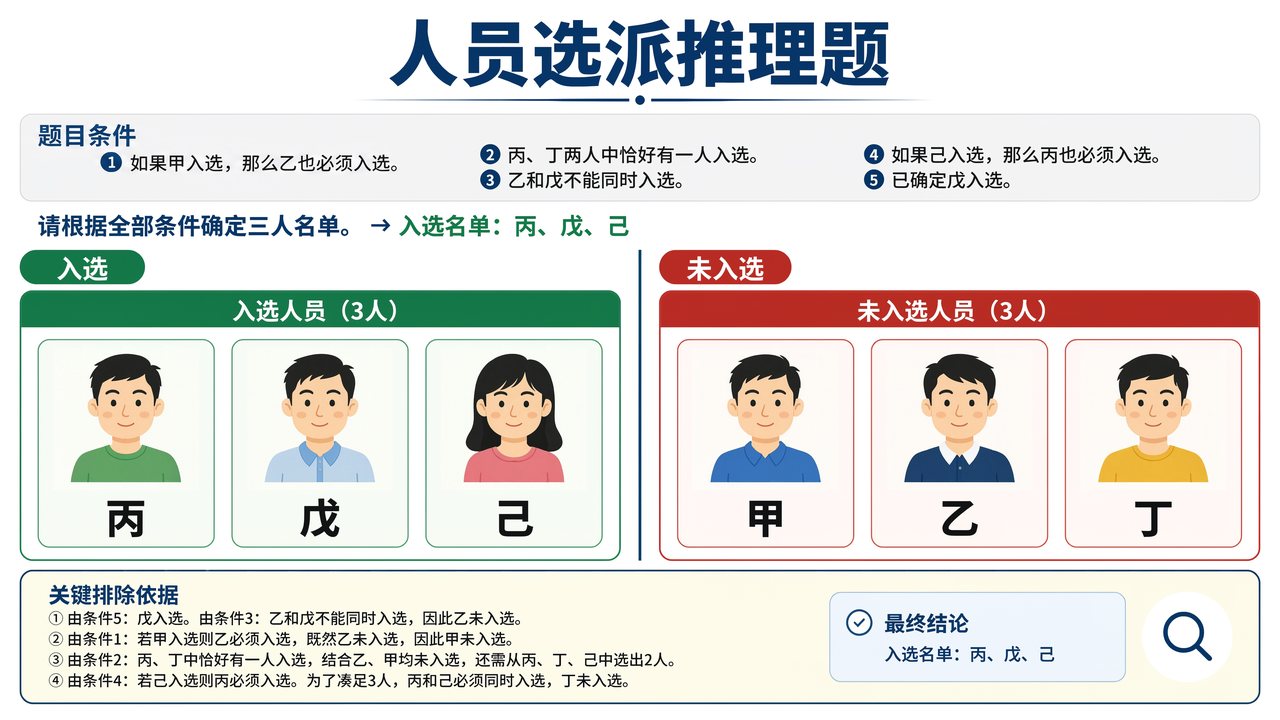
Use briefs up to 32,000 characters for panels, infographics, multi-views, and layouts with clear relationships.
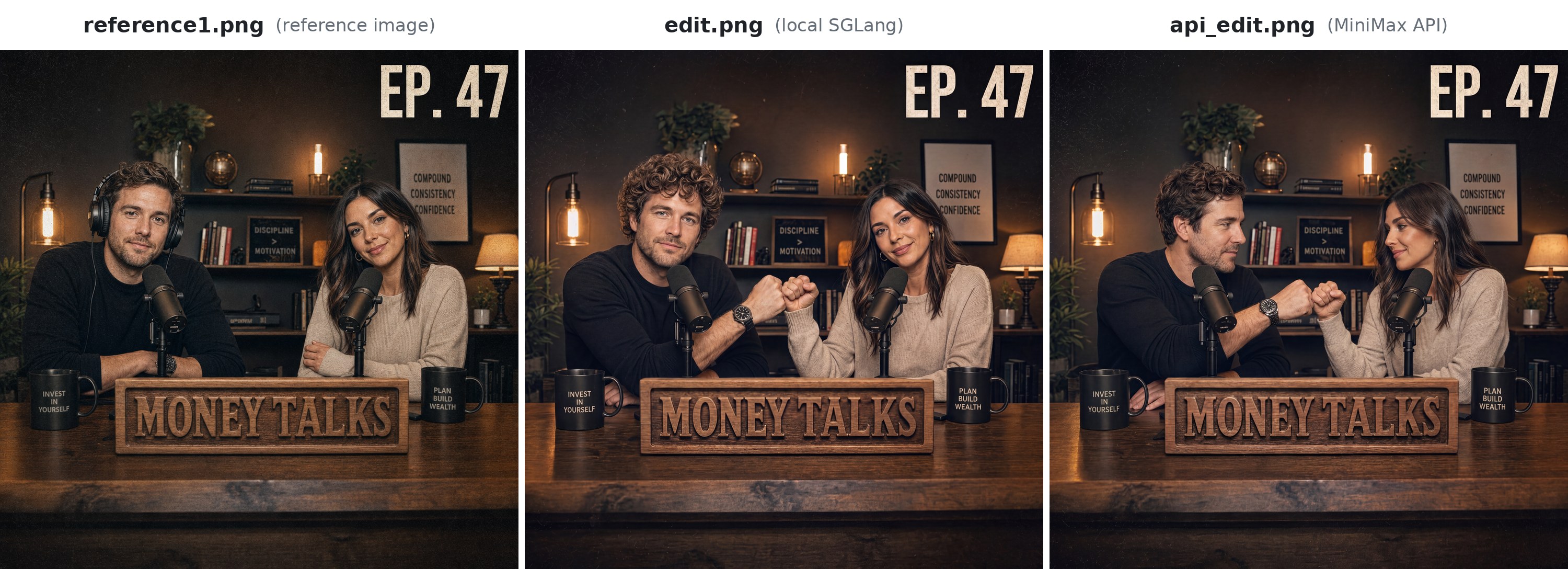
03
Swap the background, change a material, or relight a scene. Describe the change and name what stays.

04
Generate up to 10 variations in one request, then compare the directions worth refining.
Write the scene, visual style, and details that matter.
Optionally upload the objects, people, or composition to preserve.
Compare directions, keep the strongest result, and export it.
Browser-first workflow
ComfyUI is useful when you need a local node graph. It can also mean Python, custom nodes, model weights, and GPU setup before the first image. H3 Imagine keeps the browser workflow focused on the prompt and the result.
ComfyUI
H3 Imagine
H3-Image is positioned here around browser access, detailed instructions, and multi-reference work. Check the current provider documentation before selecting another model for production.
| H3-Image | FLUX | GPT Image | |
|---|---|---|---|
| Browser workflow | No install | Provider-dependent | Provider-dependent |
| Reference images | Up to 16 | Provider-dependent | Provider-dependent |
| Instruction detail | Up to 32,000 characters | Provider-dependent | Provider-dependent |
| Images per API run | Up to 10 | Provider-dependent | Provider-dependent |
Yes - a free account comes with a starter credit bundle, no card required. You'll see your exact balance on your account page; top-ups are $0.01 per credit.
H3-Image is for creating and editing still images. H3 video refers to video-generation workflows; this page and generator are for still-image work.
The API supports up to 16 reference images in one editing request. Keep the source images relevant to the result you want to control.
H3-Image supports 1K, 2K, and 4K output. The API output area limit is 20 million pixels, so very wide or tall custom sizes remain subject to that limit.
Yes. H3 Imagine is a browser-based workflow. ComfyUI is optional and only useful when you prefer a local node graph.